











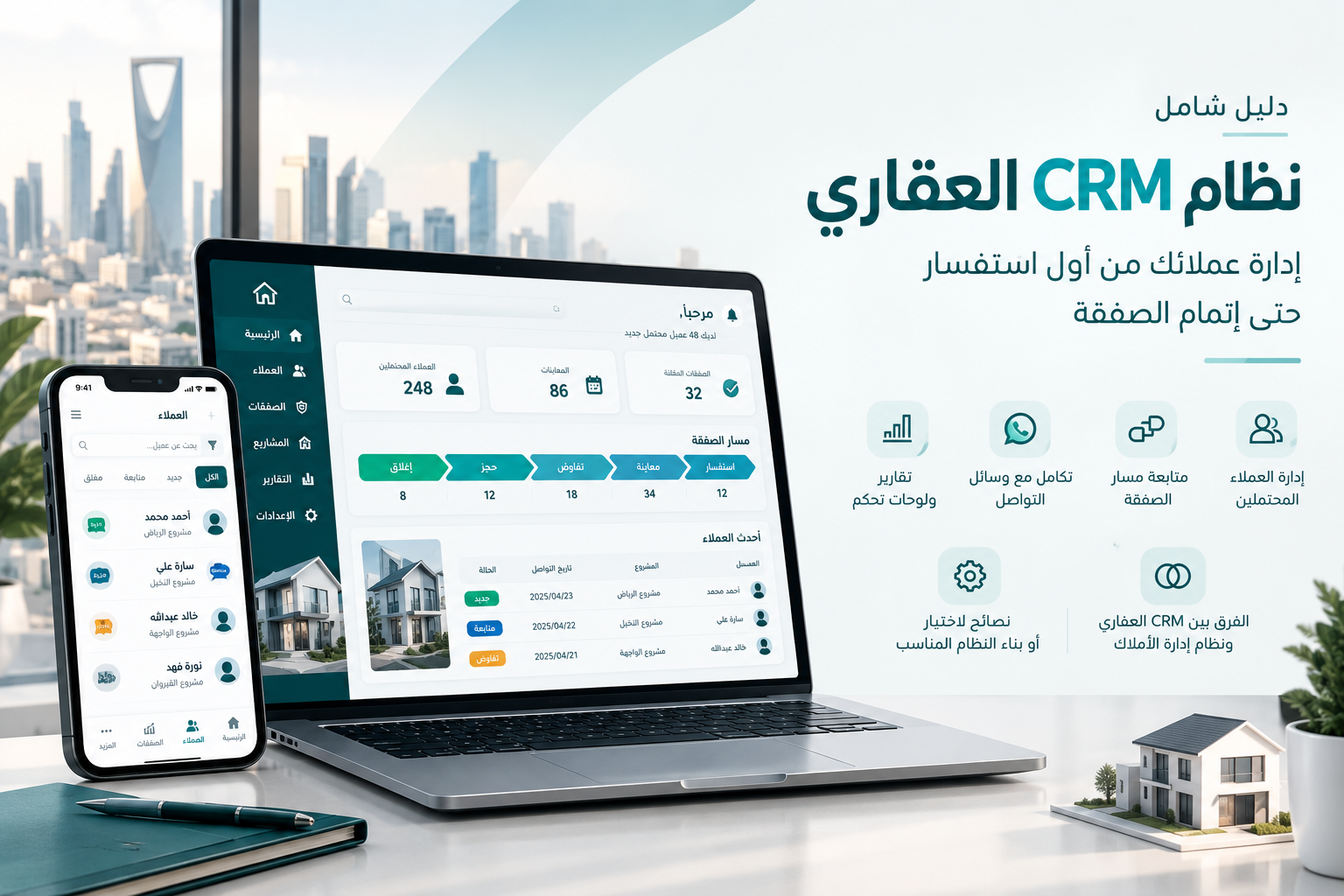
Real Estate CRM System: The Complete Guide to Managing Leads and Growing Your Property Business
Most real estate companies don't lose deals because of weak marketing — they lose them because there's no real estate CRM system tracking every lead from first inquiry to closed sale. This guide covers what a real estate CRM is, how it differs from a property management system, its core features, and how to choose or build one that fits the size of your business. What Is a Real Estate CRM System? A real estate CRM (Customer Relationship Management) system is software built specifically to manage your company's relationship with prospective and existing clients — from the moment an inquiry comes in (from your website, social media, or an ad campaign) through negotiation, closing, and after-sale follow-up. Unlike spreadsheets or manual tracking sheets, a real estate CRM lets your sales team: Automatically capture every lead from all its sources See exactly which stage each client is at in the sales pipeline Schedule reminders and follow-up tasks Measure the performance of every agent individually Real Estate CRM vs. Property Management System This is where most real estate companies get confused, and the difference matters: Criteria Real Estate CRM Property Management System Primary focus The client and the sales/rental pipeline The property/unit itself Main user Sales and marketing team Property and maintenance team Data tracked Inquiries, calls, deals, commissions Lease contracts, maintenance, tenants, owners Example task Remind an agent to follow up in 3 days Alert that a lease expires next month In simple terms: a property management system answers "what's the status of this unit?", while a real estate CRM answers "what's the status of this client?" Larger companies typically need both — ideally connected on a single platform rather than run as two disconnected systems. Why Does Your Real Estate Company Need a CRM? Before listing features, it helps to name the actual problems a real estate CRM solves: Lost leads : an inquiry comes in through WhatsApp or a website form and nobody follows up because it was never logged anywhere central. No visibility into team performance : management has no way to see which agent closes the most deals and who needs support. Duplicate outreach : two agents call the same lead because neither knows the other is already handling it. No way to measure marketing sources : no clear data on which campaign actually brings serious buyers versus low-quality clicks. Key Features of a Professional Real Estate CRM 1. Lead Management Automatically capture every inquiry from your website, mobile app, social media, or Google/Meta ad campaigns, and route it to the right agent. 2. Sales Pipeline Tracking A visual view of every client's stage: Inquiry → Viewing → Negotiation → Reservation → Closed, with an expected conversion rate at each stage. 3. Agent Performance Management Detailed reports on calls made, viewings scheduled, deals closed, and commissions owed for every salesperson. 4. Communication Integration Direct integration with WhatsApp Business, phone calls, and email, so every conversation is automatically logged in the client's file. 5. Dashboards and Reporting Real-time reports for management on projected sales volume, branch performance, and the most in-demand projects. 6. Website and App Integration Any inquiry submitted through your website or app flows directly into the CRM with no manual data entry, cutting the risk of losing a lead. How to Choose the Right Real Estate CRM for Your Company Before signing up for an off-the-shelf system or commissioning custom development, confirm it covers the following: Native support for your local market's languages and channels — not just a translated interface WhatsApp Business integration as a primary communication channel where relevant Flexible pipeline stages that match how your team actually sells (sales, rentals, project marketing) Granular permissions so agents can't see each other's client lists Room to connect it later to a property management system as your company grows Why Build a Custom Real Estate CRM Instead of Using an Off-the-Shelf One? Generic CRM platforms often don't natively support real estate concepts like "project," "unit," or "commission split by deal type." A custom-built system gives you: A sales pipeline designed around how your team actually works, not a generic flow forced onto you Full, unrestricted integration with your existing website or app Complete data ownership, without subscription fees that scale with every added user Room to extend it later — for example, adding a property management module on the same codebase Frequently Asked Questions Does a real estate CRM replace a property management system? No — they're complementary. A CRM manages your relationship with the client and the sales process, while a property management system manages the property itself after the deal closes (contracts, maintenance, renewals). Can a real estate CRM be connected to my existing website? Yes. When built as a custom system, it can be connected directly to your website's inquiry forms so every client request flows into the CRM automatically, with no manual entry. How long does it take to build a custom real estate CRM? It depends on the scope of features and integrations required (WhatsApp, payment gateways, your website). It's best to start with a core MVP version and expand it gradually. Is a real estate CRM worth it for small agencies? Yes. Even small offices benefit from eliminating spreadsheets and preventing lost inquiries — it's an investment that pays off in higher close rates, not just better organization.